Make it yours.
Choose a template and add your company, employee, pay period, and earnings information.

From the first detail to the finished PDF. Create professional pay stubs with a clear, guided process that puts you in control.
No complicated setup. Just the information you have, in the format you need.
Choose a template and add your company, employee, pay period, and earnings information.
Review names, dates, earnings, and deductions in your preview before completing your order.
Receive your pay stub as a PDF. Save it with your records, print a copy, or share it when needed.
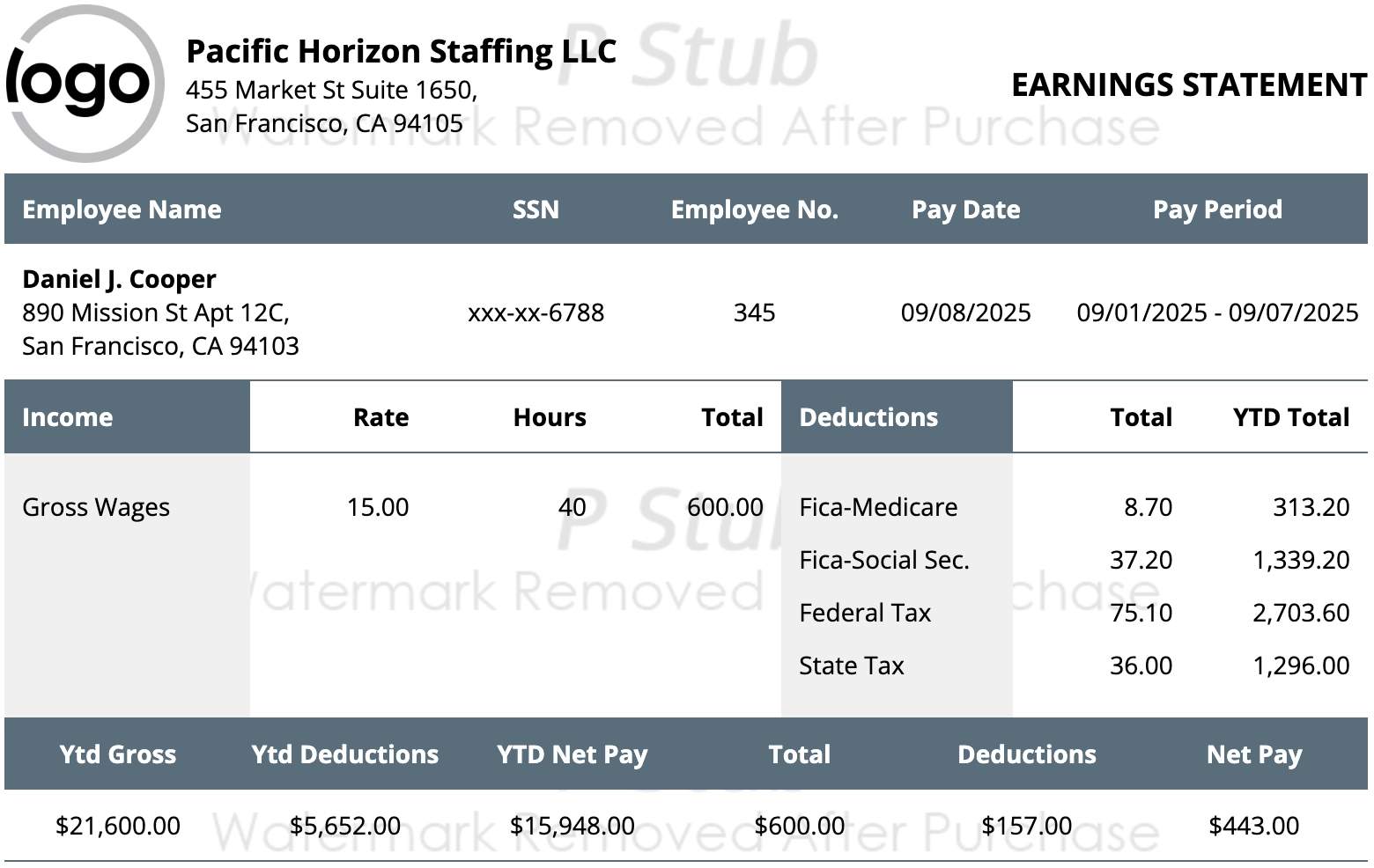
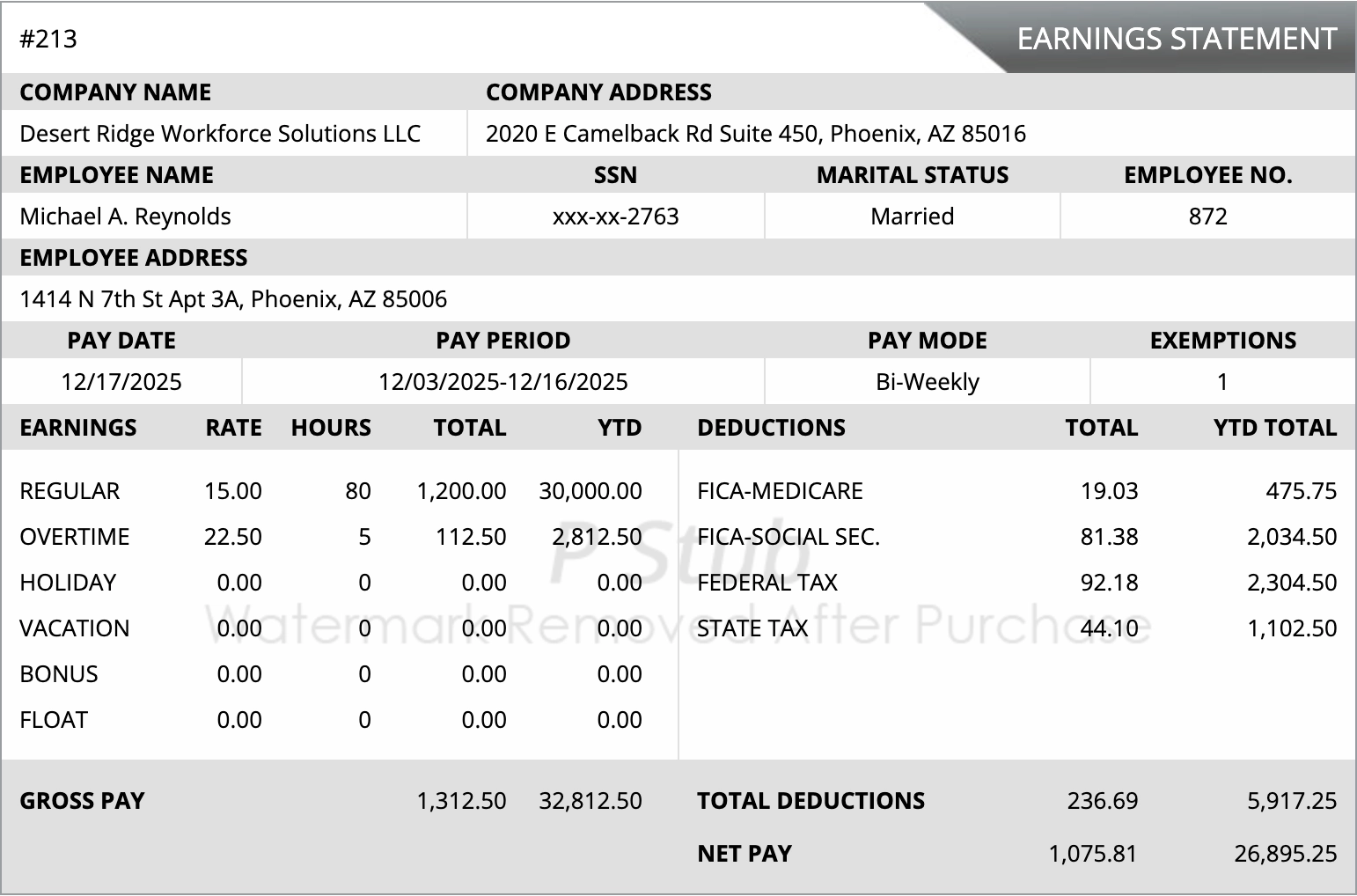
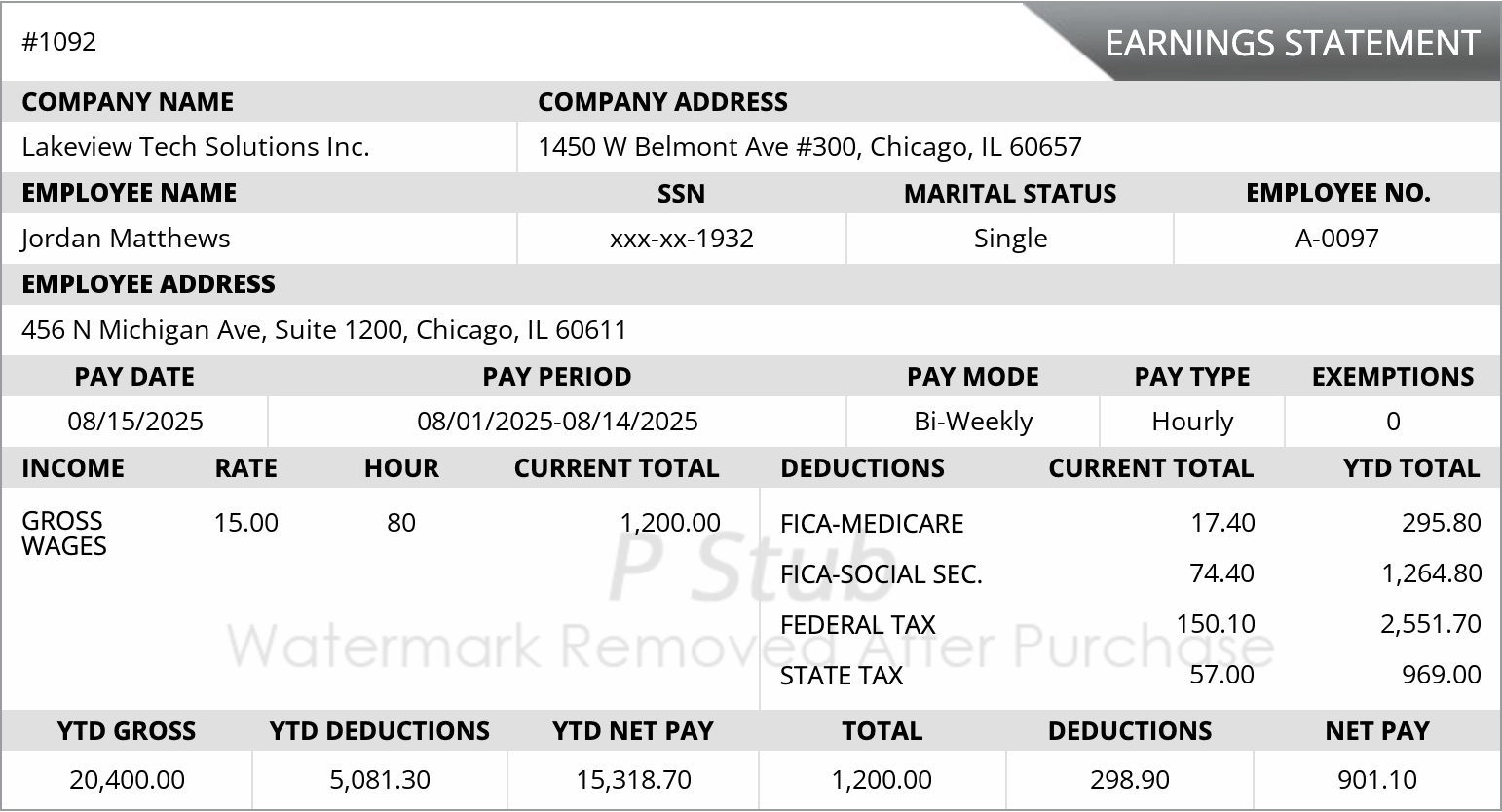
Explore real samples. Choose the layout that makes the most sense for your records.
A straightforward format for clear, uncomplicated pay records.
A familiar, structured pay statement that brings the important details together.
A more detailed layout for organizing additional earnings information.
The tools you need to turn accurate payroll information into an organized, professional record.
Bring earnings, applicable deductions, and net pay into one clear statement using the information you enter.
Work with common weekly, biweekly, semi-monthly, and monthly pay periods.
View current-period and year-to-date totals in the same statement.
Choose a professional template for the amount of detail your records need.
Save your PDF, print a copy, or keep it alongside your other business records.
Not sure where to begin? Start with what matters most to you, then take a closer look at the template.
Choose a format that fits. Review your selected options and final total before completing your order.
Just the essentials
The everyday choice
Room for more detail
Starting prices are based on the selected template. Optional additions may cost extra. No monthly subscription.
Everything you need to feel ready for your first pay stub.
Still need a hand? Contact usPStub helps you create professional PDF pay stubs using the company, employee, earnings, and deduction information you provide. It is a document-generation service, not a full payroll service.
Template prices start at $3.99 for Simple, $4.99 for Regular, and $7.99 for Advance. Available options and the final price are shown in the generator before you complete your order.
Yes. Enter your information and review the pay stub preview before completing your order. Check names, dates, earnings, and deductions carefully.
No. Create a pay stub when you need one without signing up for a monthly software subscription.
PStub offers templates for common pay scenarios. The fields and pay types available depend on the template you choose; review its options in the generator.
Your completed pay stub is delivered as a PDF after your order. You can save it, print it, and keep it with your records.
Year-to-date fields are available in supported templates. Deposit-slip availability and any additional cost are shown in the generator for your selected template.
Use Retrieve order in the navigation to open PStub’s order-retrieval page. If you need assistance, contact the support team.
Use truthful, accurate information that you are authorized to provide. Your document should reflect actual employment, earnings, and deductions. Review it before using it for any application or recordkeeping purpose.
No matching answers. Try a different word or contact support.
Your information. Your format. Ready for your records.